Ad: this guide contains affiliate links. If you buy through them we may earn commission, at no extra cost to you.
Home & Kitchen
How to choose a robot vacuum: the features that matter and what to skip
LiDAR or camera? Self-emptying dock? Mop? A plain-English guide to robot vacuum features, running costs and privacy, so you only pay for what you'll use.
By Daily Offer Deals editorial team7 min read
On this page 10 sections
Quick answer
When choosing a robot vacuum, the features that matter most are the navigation type (laser or camera-based mapping is far more efficient than random bouncing), the height (will it fit under your sofa and beds?), how well it handles your floors and any pet hair, and how much ongoing maintenance and replacement parts cost. A self-emptying dock and room-by-room mapping are worth paying for in bigger homes. Headline suction figures, gimmicky voice features and an extra mop you won’t use are usually worth skipping.
Robot vacuums are one of the most popular Black Friday purchases, and the range of models and jargon can be overwhelming. This guide explains each feature in plain English so you can decide what you actually need, whatever brand you choose. If you’re specifically weighing up a vacuum-and-mop model, see our separate guide in the blog.
Step 1: Be honest about your home
Before you look at a single product, answer these questions:
- How big is the space? A one-bed flat and a three-storey house need different things.
- What floors do you have? Hard floors, short-pile rugs, thick carpets, or a mix?
- How much clutter is there? Cables, socks, toys and pet bowls are a robot’s natural enemies.
- Do you have pets? Hair tangles brushes and fills bins quickly.
- What’s under your furniture? Measure the gap under sofas, beds and cabinets.
- Do you have stairs? Robots won’t climb them. You’ll need to carry it, or buy one per floor.

Step 2: Understand the features
Navigation: the biggest difference between models
| Navigation type | How it works | Best for | Watch out for |
|---|---|---|---|
| Random / bump-and-go | Moves in random patterns, turning when it bumps into things | Small, simple rooms on a tight budget | Misses spots; no room mapping; takes longer |
| Gyroscope | Uses motion sensors to move in rough lines | Small homes wanting some order | Limited mapping; can lose its place |
| Camera-based (vSLAM) | Uses a camera to recognise landmarks and map rooms | Medium homes with decent lighting | Can struggle in the dark; privacy considerations |
| Laser (LiDAR) | Spins a laser to map rooms accurately | Larger or multi-room homes | Turret adds height; usually costs more |
Mapping is what lets you send the robot to a single room, set no-go zones around pet bowls, and avoid cleaning the same patch three times. For most homes beyond a single room, it’s the one feature worth stretching for.
Obstacle avoidance
Some robots use front-facing cameras or sensors to spot and steer around socks, cables and pet mess. It’s genuinely useful if your floors are often cluttered. It doesn’t replace a quick tidy-up before a run.
Height
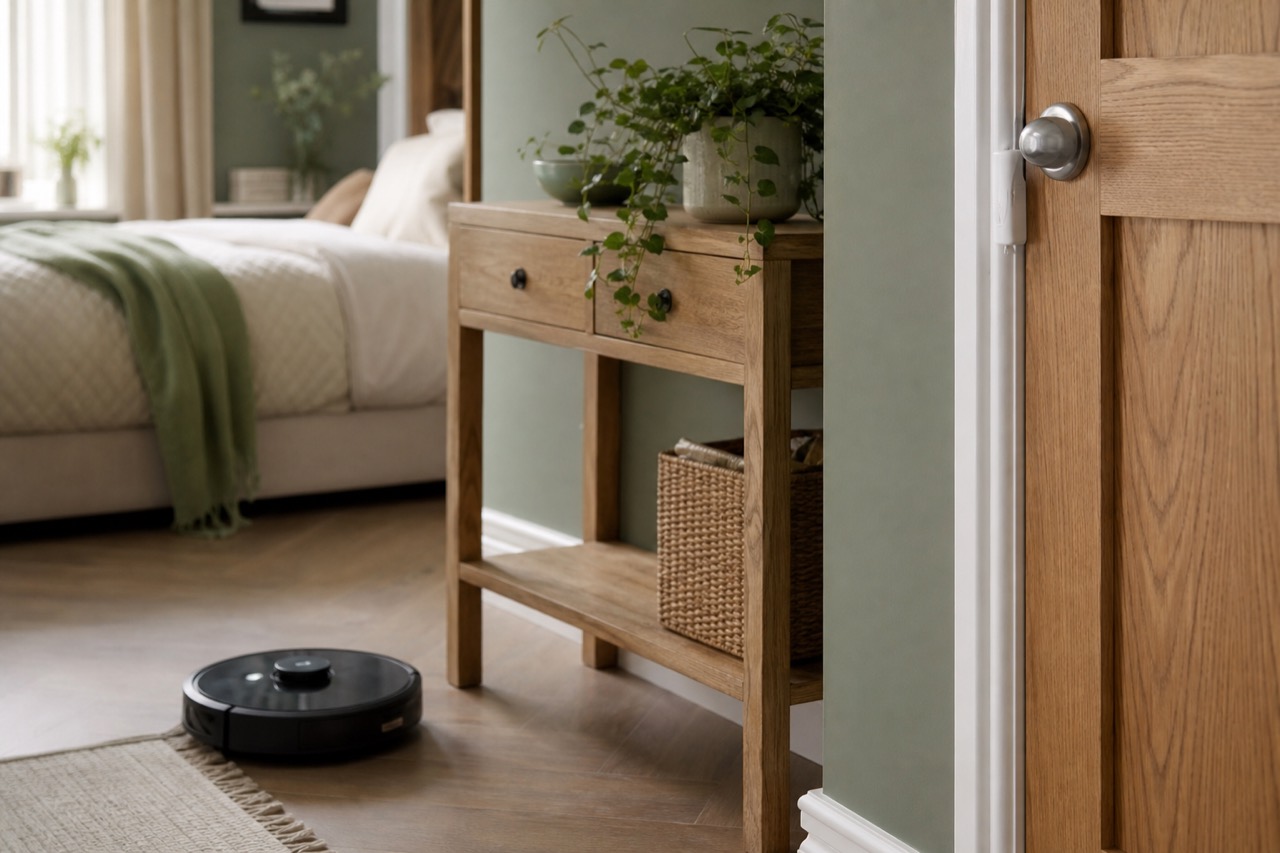
A robot can only clean under furniture it fits under. Laser navigation turrets add height, so check the robot’s full height (including any turret) against the gap under your sofa and beds.
Brushes and pet hair
- Rubber or tangle-resistant rollers are easier to clean than bristle brushes if you have pets or long hair in the household.
- Side brushes help with edges and corners. Some robots have two.
- Carpet boost, where suction increases on carpet, helps on rugs and carpets.
Suction power
You’ll often see suction quoted in pascals (Pa). It’s tempting to treat it as the main buying decision, but figures are measured differently between makers and don’t tell you the whole story. Brush design, airflow and navigation often matter just as much. Use suction as a rough guide within the same brand’s range, not to compare across brands.
Bin size and self-emptying docks
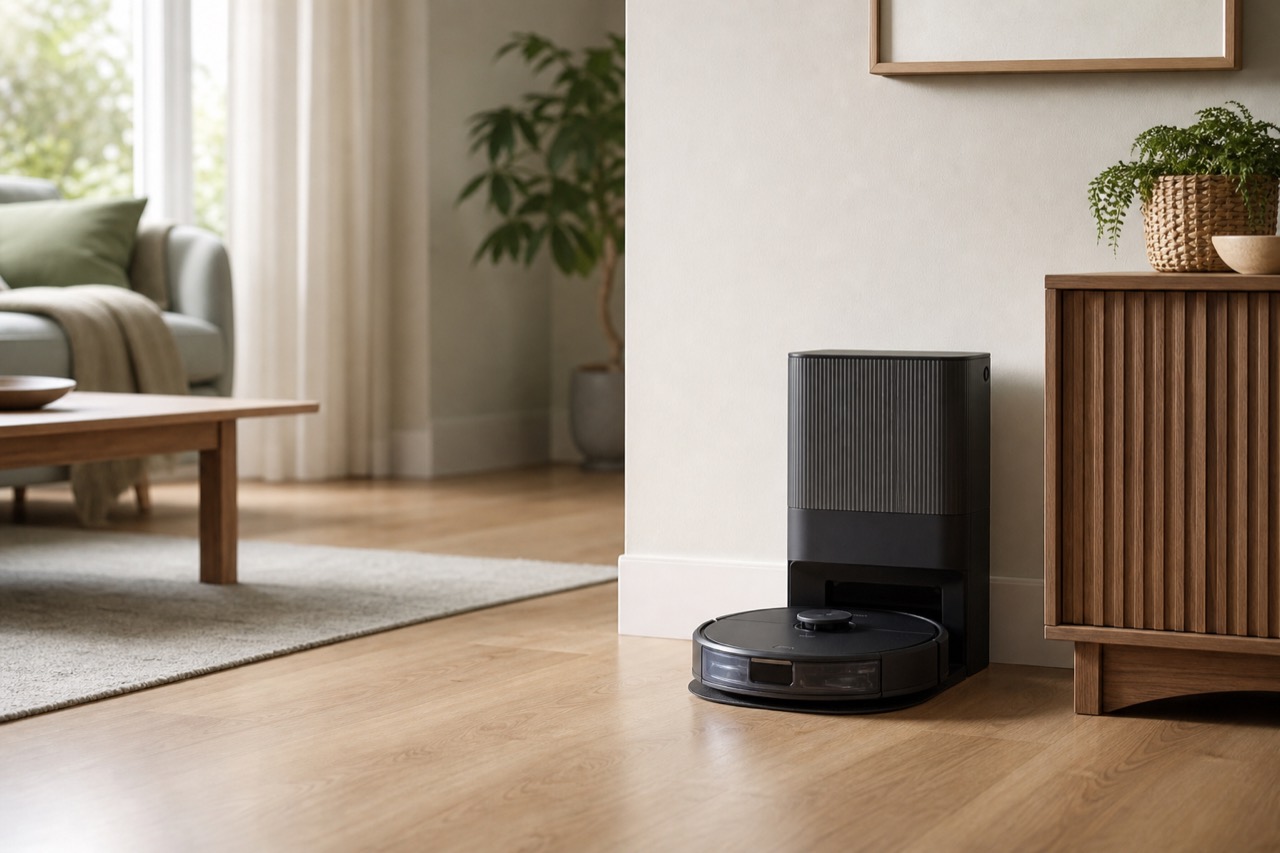
Robot bins are small. A self-emptying dock sucks the bin out into a larger bag or container, so you empty it far less often. It’s very handy in pet homes or larger spaces. The trade-offs: a bigger footprint, noise when emptying, and the ongoing cost of replacement bags.
Mopping
Many robots now include a mopping function. These range from a simple damp pad dragged behind the robot, to rotating pads and docks that wash and dry them. If you mostly have carpets, a mop adds cost without much benefit. If you have lots of hard floors, it can be worthwhile.
Battery and runtime
Runtime varies with suction mode and floor type. For bigger homes, look for recharge and resume, where the robot goes back to its dock, charges, and carries on where it stopped.
App, scheduling and smart features
A good app lets you schedule cleans, view maps, set no-go zones and pick rooms. Voice assistant support is a nice extra, not essential.
Features that matter vs what to skip
| Feature | Worth it? | Why |
|---|---|---|
| LiDAR or camera mapping | Yes, for most homes | Faster, more thorough cleans and room control |
| No-go zones and room selection | Yes | Keeps it away from cables, pet bowls and rugs with tassels |
| Tangle-resistant rollers | Yes, with pets or long hair | Saves you cutting hair off brushes |
| Low height | Yes, if you have low furniture | Measure first |
| Self-emptying dock | Often | Big convenience; adds ongoing bag costs |
| Recharge and resume | Yes, for larger homes | Finishes the job in one schedule |
| Obstacle avoidance | Useful if floors are cluttered | Helps with socks and cables |
| Advanced mopping docks | Only with lots of hard floor | Adds cost and size |
| Highest headline suction | Not on its own | Not comparable across brands |
| Built-in voice assistants and gimmicks | Rarely | Your phone does this already |
Step 3: Think about the running costs
The price on the box isn’t the whole cost. Over time, you’ll need:
- Replacement filters, side brushes and main rollers.
- Dustbags for self-emptying docks.
- Mop pads and cleaning solution for mopping models.
- A replacement battery, eventually.
Before you buy, check that replacement parts are readily available in the UK for the model you’re considering, and roughly what they cost. Search for robot vacuum replacement parts for your shortlisted model to see what’s on offer.
Step 4: Privacy and security
Camera-based and app-connected robots collect data about your home, including maps and, in some cases, images. To protect your privacy:
- Check the maker’s privacy policy and where data is stored.
- Set a strong, unique password for the app account and turn on 2-step verification if available.
- Keep the firmware updated, which fixes security issues.
- Check how long the maker promises security updates. The Product Security and Telecommunications Infrastructure (PSTI) regime in the UK requires makers of connectable products to publish this information.
Where to start looking
Once you know your must-haves, browse:
- LiDAR robot vacuums for multi-room homes.
- Self-emptying robot vacuums for pet owners and larger spaces.
- Slim robot vacuums if your furniture is low.
Robot vacuums often feature heavily in the Black Friday deals. Check the exact model and year, and compare the deal price with the recent price history.
Making it work day to day
- Tidy before a run. Pick up cables, socks and small toys.
- Run it often. Little and often keeps floors cleaner than one big weekly blitz.
- Empty and clean regularly. Clear hair from rollers and wipe sensors.
- Use no-go zones for areas the robot gets stuck in.
- Keep a stick or upright vacuum for stairs, upholstery and deep cleans. Robots are a helper, not a total replacement.
Frequently asked questions
Is a robot vacuum worth it?
For many households, yes, especially if you have pets, mostly open floors and limited time. It’s best as a daily maintenance cleaner alongside a conventional vacuum for stairs and deep cleans.
What’s the difference between LiDAR and camera navigation?
LiDAR uses a spinning laser to map rooms accurately, including in the dark. Camera navigation uses visual landmarks and can be lower in height, but may struggle in poor light and raises extra privacy questions. Both are much better than random navigation.
Do robot vacuums work on thick carpet?
Most handle short-pile carpet and rugs. Very thick or shaggy carpet can be a struggle, and tassels can get tangled. Look for carpet boost and check the maker’s guidance on carpet types.
Is a self-emptying dock worth paying for?
If you have pets or a bigger home, often yes, because you’ll empty the bin far less often. Factor in the cost of replacement bags and the space the dock takes.
Can a robot vacuum replace my normal vacuum?
Usually not completely. Robots can’t do stairs or upholstery, and won’t deep-clean like a powerful upright or stick vacuum. Most people use both.
About the author
Daily Offer Deals editorial team
The Daily Offer Deals team checks UK deals by hand and writes practical buying guides. We never claim hands-on testing we have not done.